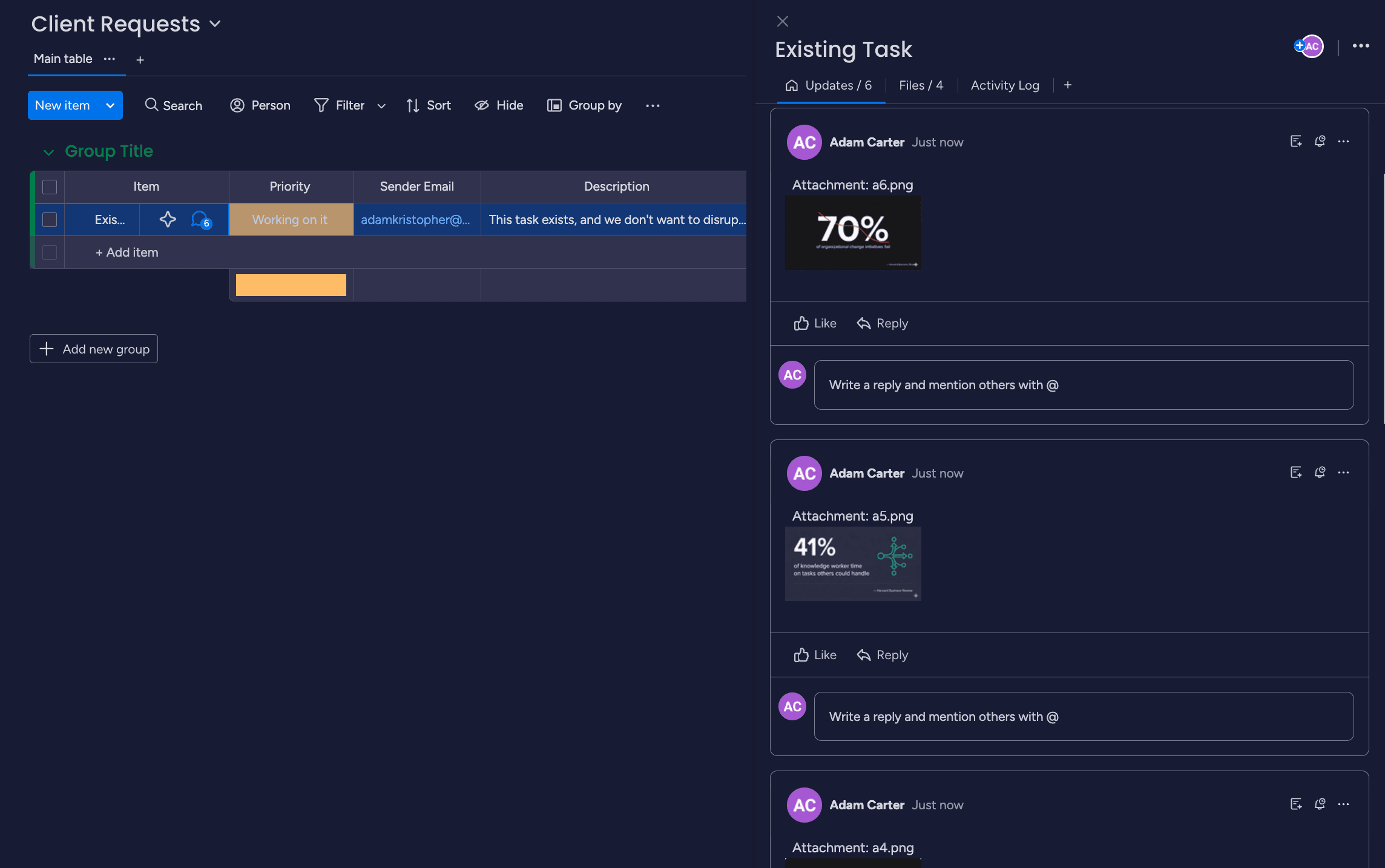
Monday.com has email integration. Multiple types, actually: Email & Activities app, Email to Board, integrations with Gmail/Outlook. The naming is confusing and the capabilities are limited.
If you've tried to build a real workflow around Monday + email, you've probably hit walls. This guide sorts out what each feature does, what's broken, and what alternatives exist.
Monday.com Email Features Explained
Email & Activities App
- Send/receive emails from within Monday
- Emails logged on the item
- Requires emails to originate from Monday OR be replies to Monday-sent emails
- Does NOT capture forwarded emails or new inbound emails
Email to Board
- Forward emails to a board-specific address
- Creates new items
- Subject → Item name
- Body → Updates section (as blob, 46k char limit)
Gmail/Outlook Integration
- Add emails to items manually
- Click-to-add workflow
- Doesn't auto-route
The Key Limitation
"There seems to be no way to log an incoming email to the Emails & Activities app when it is not a reply to an email that was sent from the app in the first place." — Jorrit, Monday.com Forum, December 2021
You can't forward external emails to existing items. Only emails that are part of a Monday-initiated thread get logged.
The Limitations
1. Can't Route to Existing Items
Forward an email about an existing project? New item created. Can't add it to the item you already have.
"Simply using an item specific bcc address to couple email conversations to that item would suffice but I cannot find this option." — Jorrit, Monday.com Forum
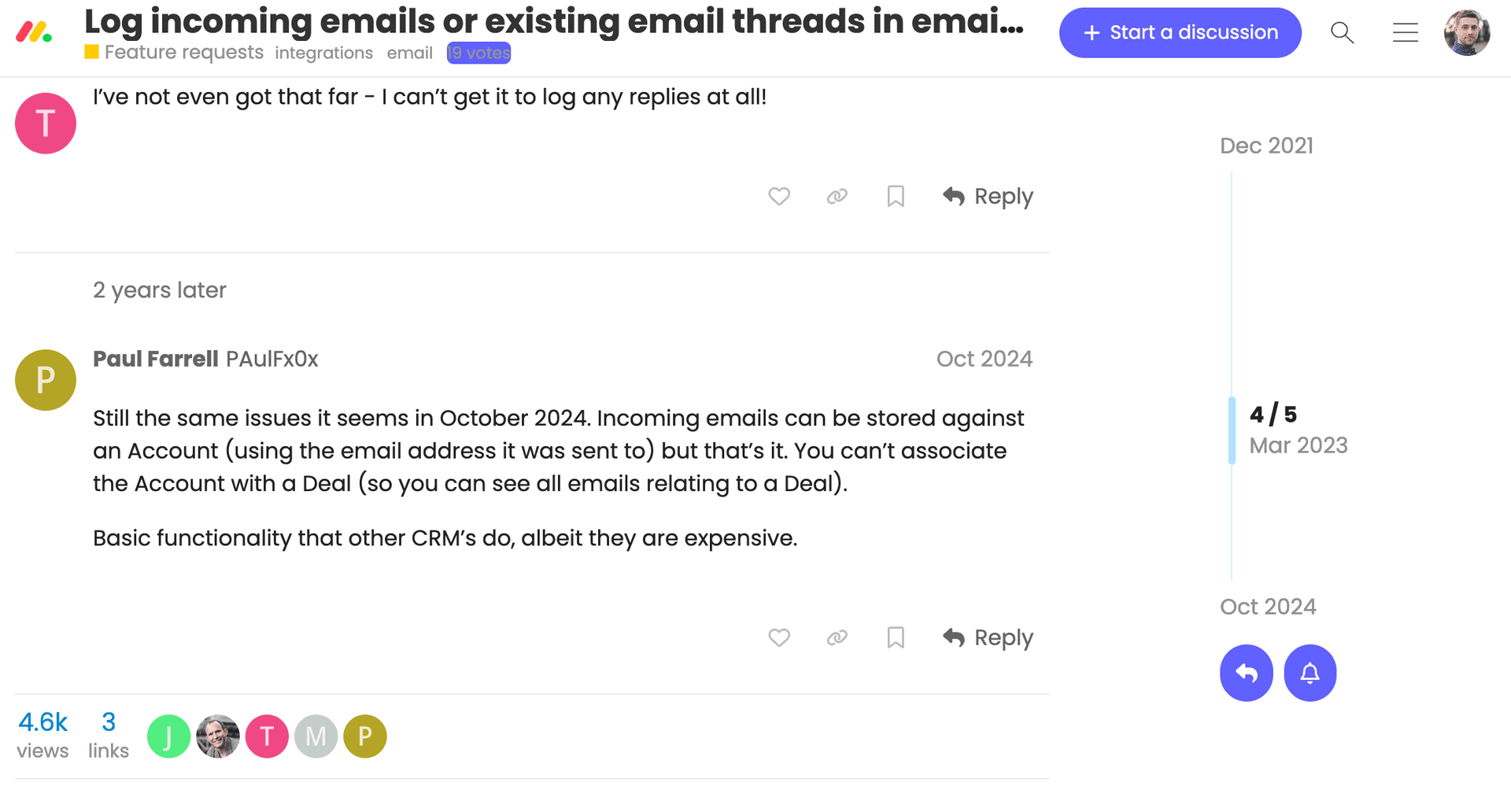
2. Monday Officially Has "No Plans" to Fix This
"Transparently, we do not have any concrete plans to further develop this feature at this time." — Bianca Taylor (Monday.com staff), February 2024
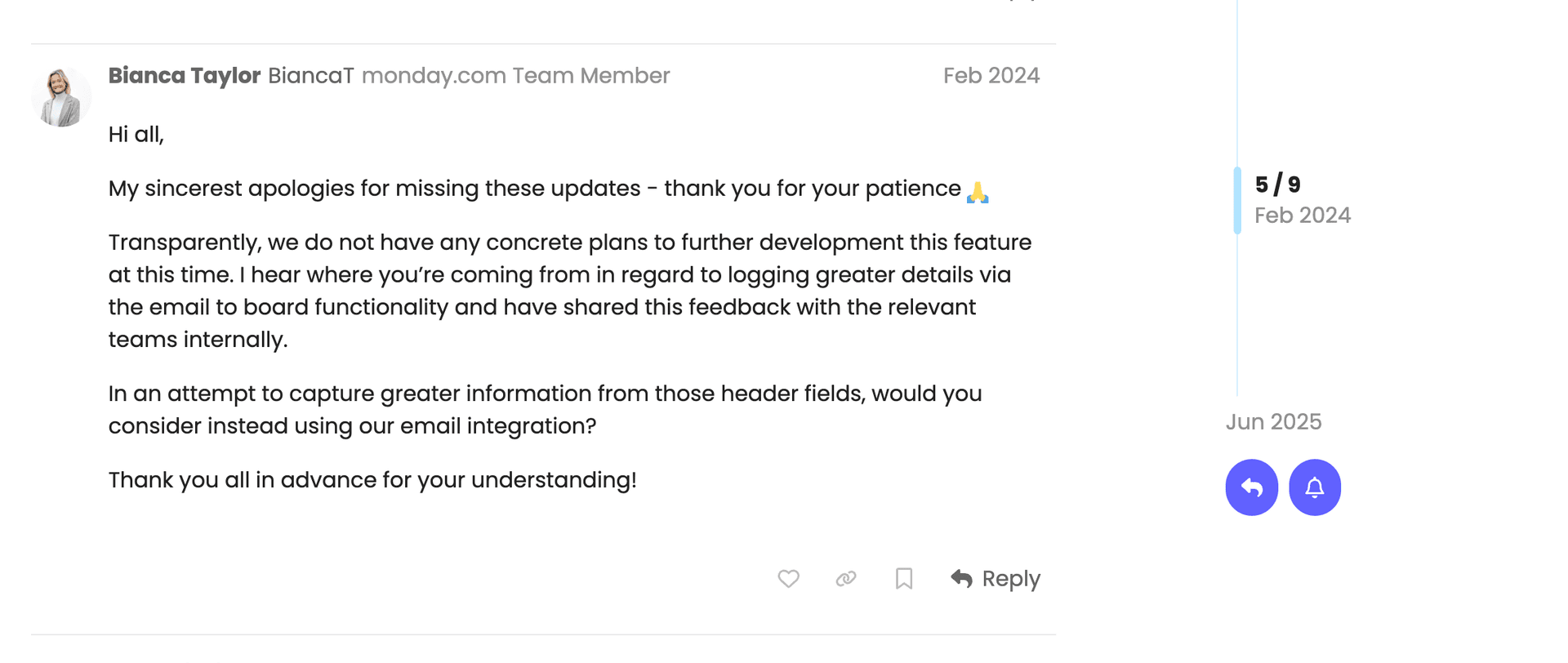
3. Replies Create Duplicates
"Any new response that we receive creates a new ticket. The response email also appears in the original ticket so we have to manually delete the new ticket and update the status of the old one. We get a lot of emails and this is time consuming for my team." — Polly Cordwell, Monday.com Forum, November 2022
4. Headers Not Captured
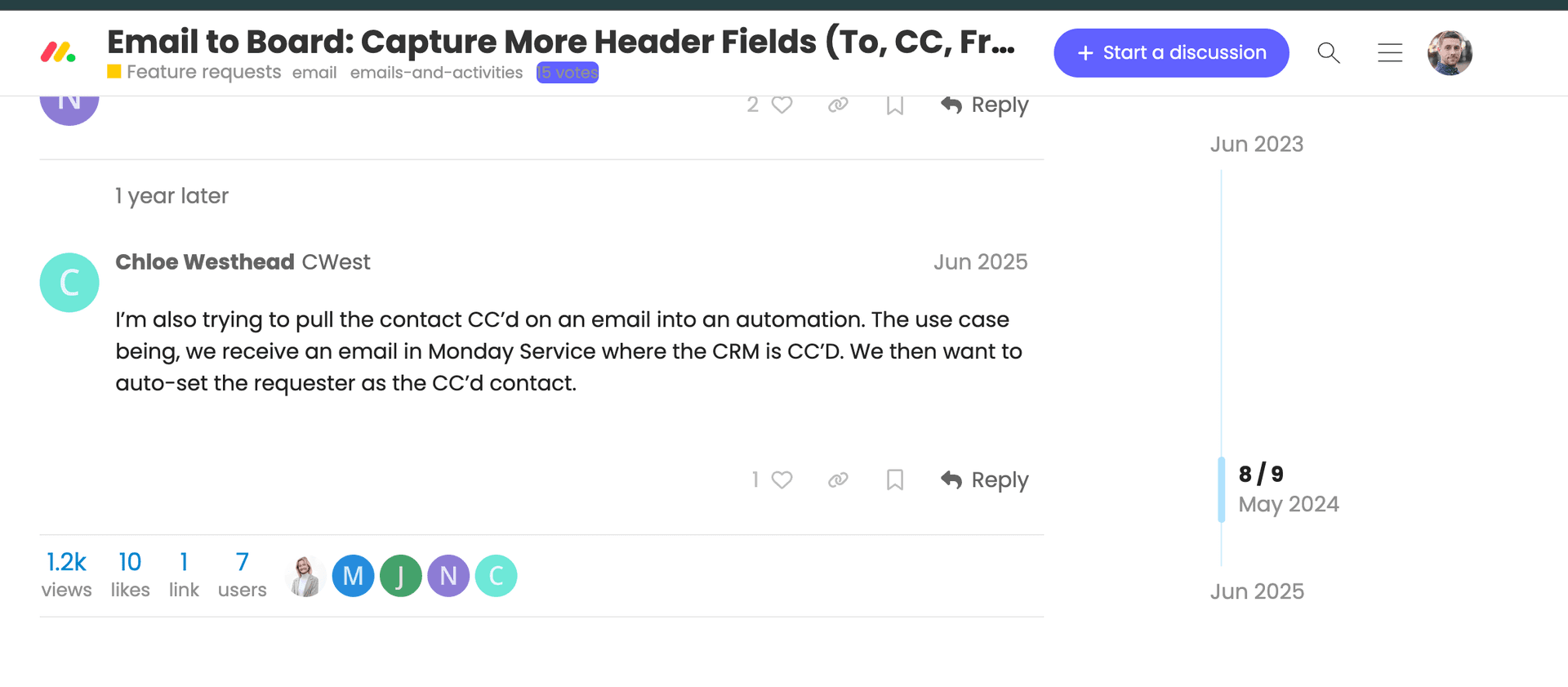
"Currently, when Monday captures an email using the Email to Board functionality, it only records the subject line and the body of the email. There is no way to see the following info: To, CC, From, Date." — Mike (MikeInSaaS), Monday.com Forum, June 2023
5. The Summary Quote
"Email integration is, to be blunt, awful." — Kenneth Obel, Monday.com Forum, December 2021
What Monday.com Email CAN Do
Let's be fair—what works:
✅ Send emails from Monday (looks professional) ✅ Log replies to Monday-initiated emails ✅ Create new items from forwarded emails ✅ Basic Gmail/Outlook add-ons for manual add
Best use case: Use Monday as email origin. Send project emails FROM Monday. Replies auto-log. Don't try to bring external threads into Monday.
This works for sales teams who control the email flow. Doesn't work for agencies, support teams, or anyone receiving emails from external parties.
Workarounds and Alternatives
Native Workarounds
The suggested workaround from Monday's team:
"Would this type of recipe help... This would mean an email column would need to be set up for each customer." — Bianca Taylor, Monday.com
Translation: Set up a separate email column per customer. Doesn't scale.
Third-Party Options
- Zapier/Make
- Can connect Gmail → Monday
- Creates new items
- Still can't route to existing items
- Casso
- Route to existing items via Monday URL in subject
- Thread parsing into separate updates
- Captures To/CC/From headers
- AI extraction for summary, priority, due date
How to Update Existing Monday Items from Email
Step 1: Get Your Monday Item URL
Open item → Copy URL from browser
Format: https://yourworkspace.monday.com/boards/123/pulses/456
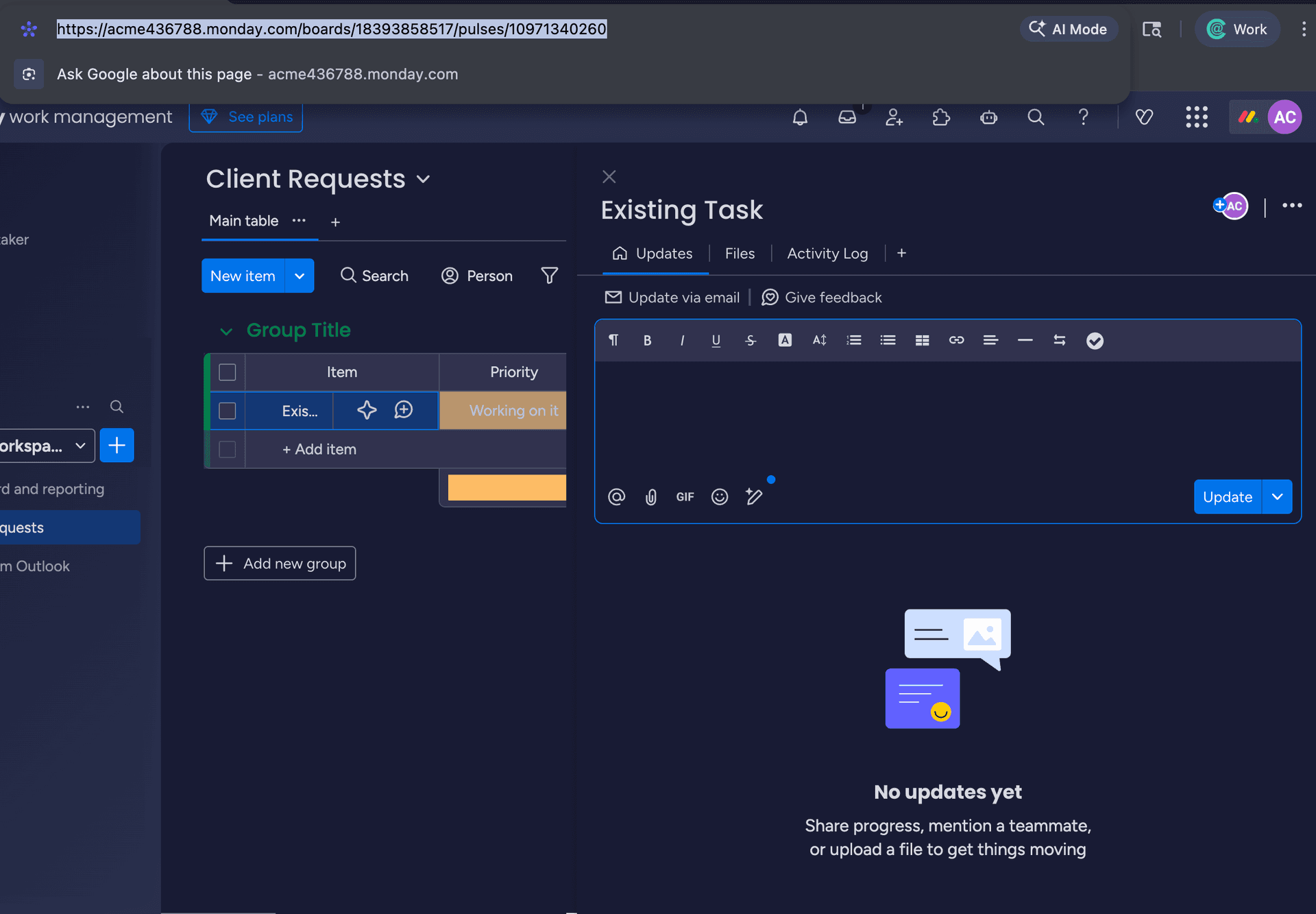
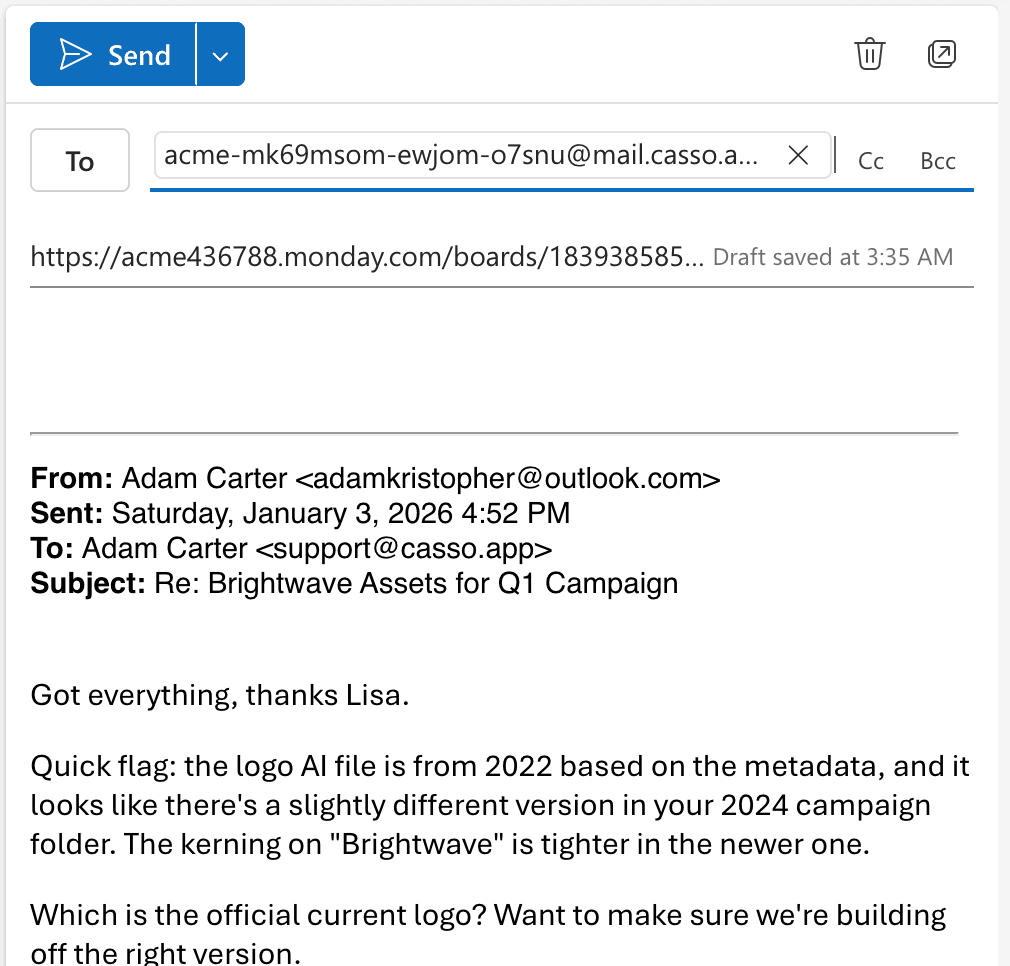
Step 2: Forward Email to Casso with URL in Subject
Subject: "Re: Project update https://yourworkspace.monday.com/..."
Or just the URL as the subject.
Step 3: Email Appears as Update on Existing Item
- No duplicate item created
- Thread parsed into readable format
- Headers (From, To, CC) included
Before: Email forwarded to Casso with Monday URL in subject:
After: Email appears as update on existing Monday item:
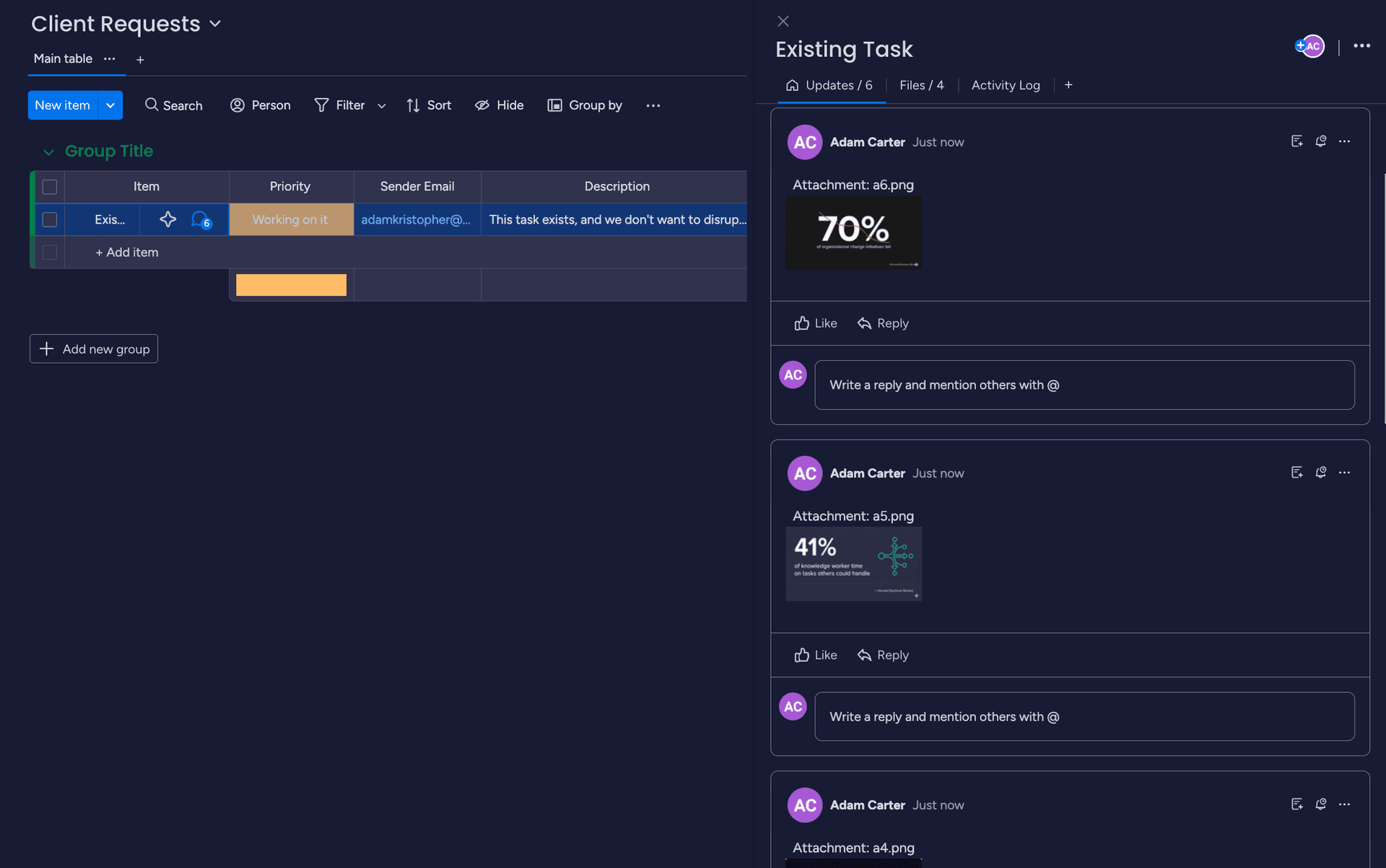
The email content parsed and added to the item:
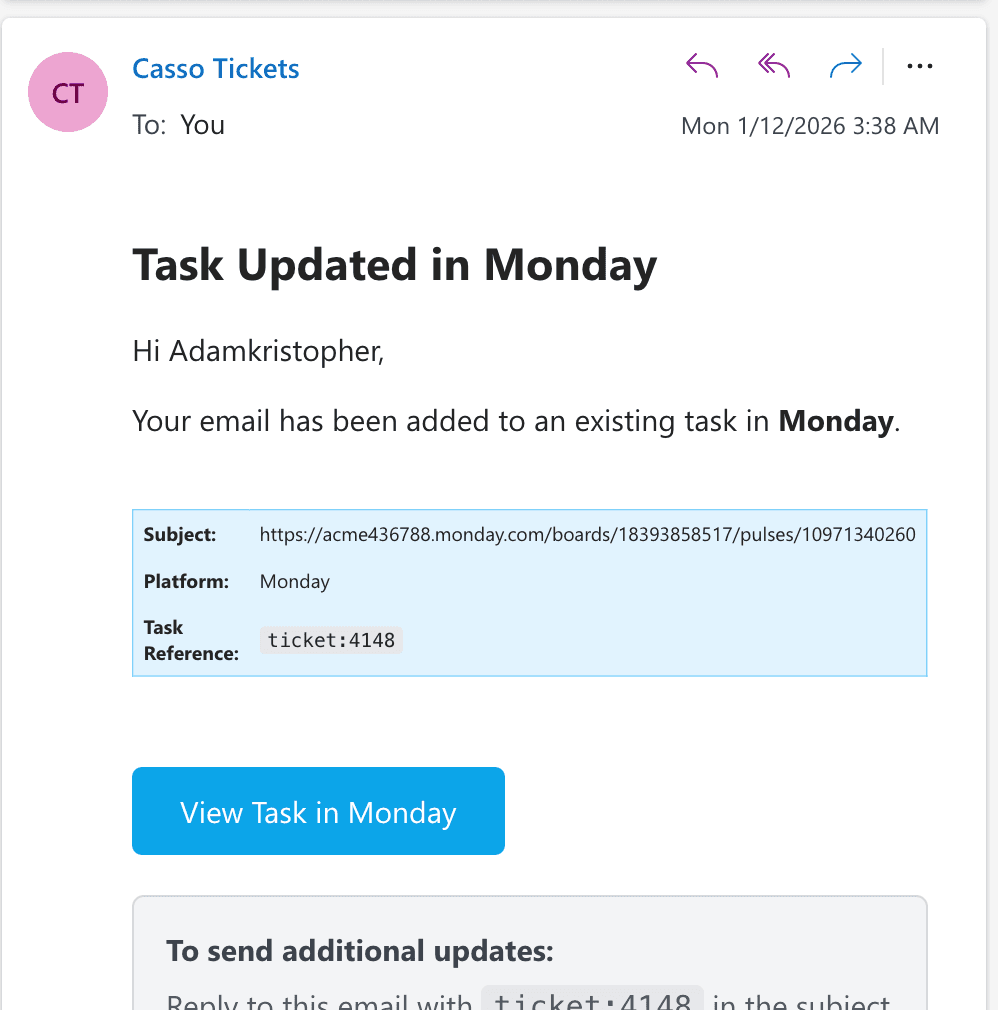
For ongoing threads: After first email, use ticket:xxxx in subject. Same routing, shorter subject line.
FAQ
Can I forward emails to existing Monday.com items?
Not natively. Use Casso with the item URL in your subject line.
Why does Monday.com create duplicate items from email replies?
Monday doesn't recognize email threading for inbound messages. Each forward creates a new item.
Does Monday.com capture CC recipients?
No. Only subject and body are captured from forwarded emails.
Conclusion
Monday.com's email features work if you control the email origin. For inbound emails, external threads, or routing to existing items, you need a workaround.
The clearest fix: paste your Monday item URL in the subject when forwarding. Email becomes an update, not a duplicate.